

rustunnel tunnel session starts a small web request inspector on loopback. Open it while a tunnel is live to browse the traffic that flowed through, inspect headers and bodies, and Replay any request against your local service — without the original caller doing anything.
This is the ngrok :4040 equivalent, built into the open-source CLI (shipping in 0.8.3).
Open the inspector
Start any tunnel as usual: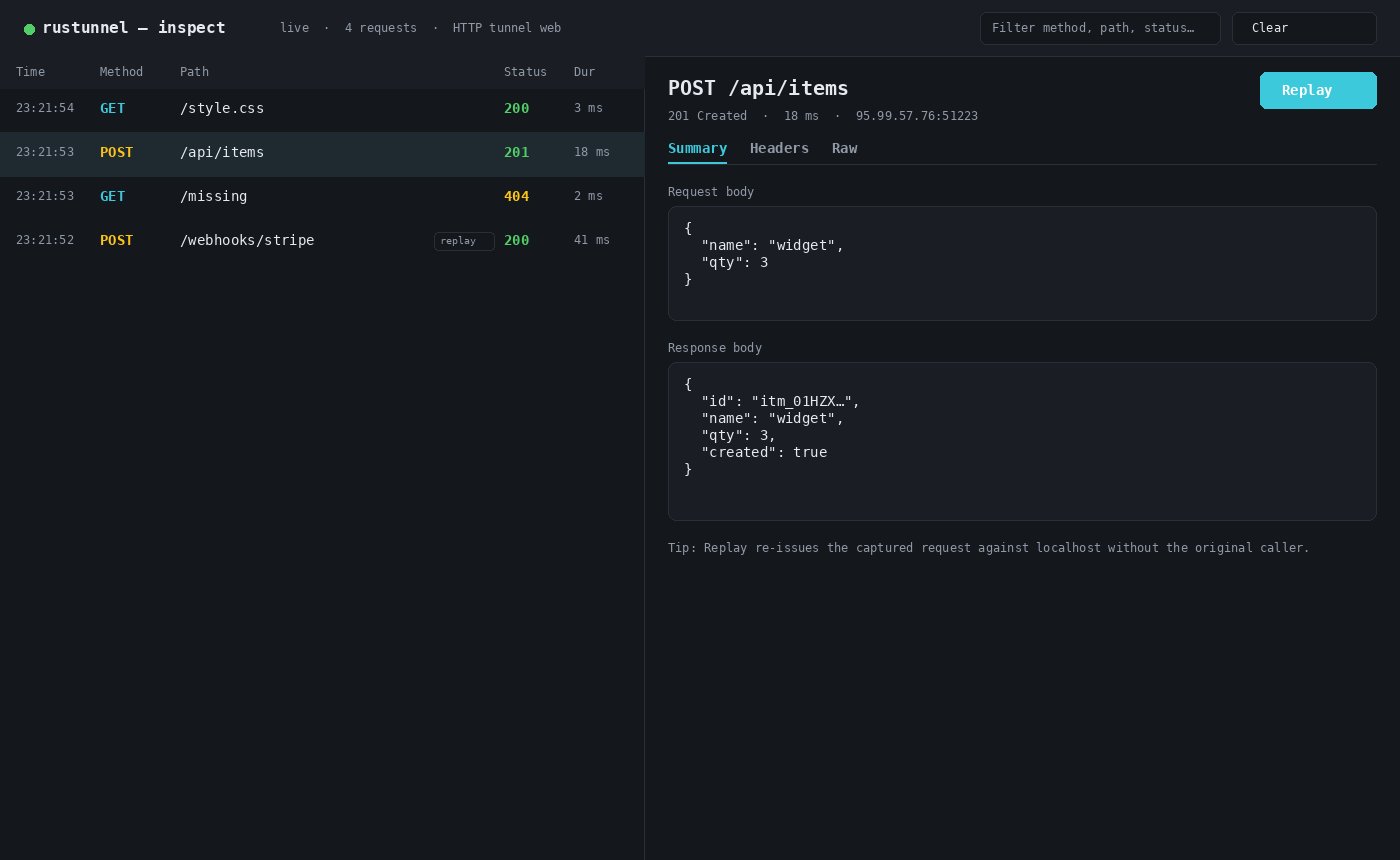
Request list and detail view with Summary / Headers / Raw tabs and Replay
What you can do
- Request list — live-updating table with method, path, status, and duration. Filter by method, path, or status.
- Detail view
- Summary — request and response bodies
- Headers — full request and response headers
- Raw — reconstructed HTTP messages
- Replay — re-issue any captured request against your local service. Ideal for webhook development: trigger once from Stripe/GitHub/etc., then iterate against the same payload. Replayed rows are marked
replayin the list (and↻in the terminal UI).
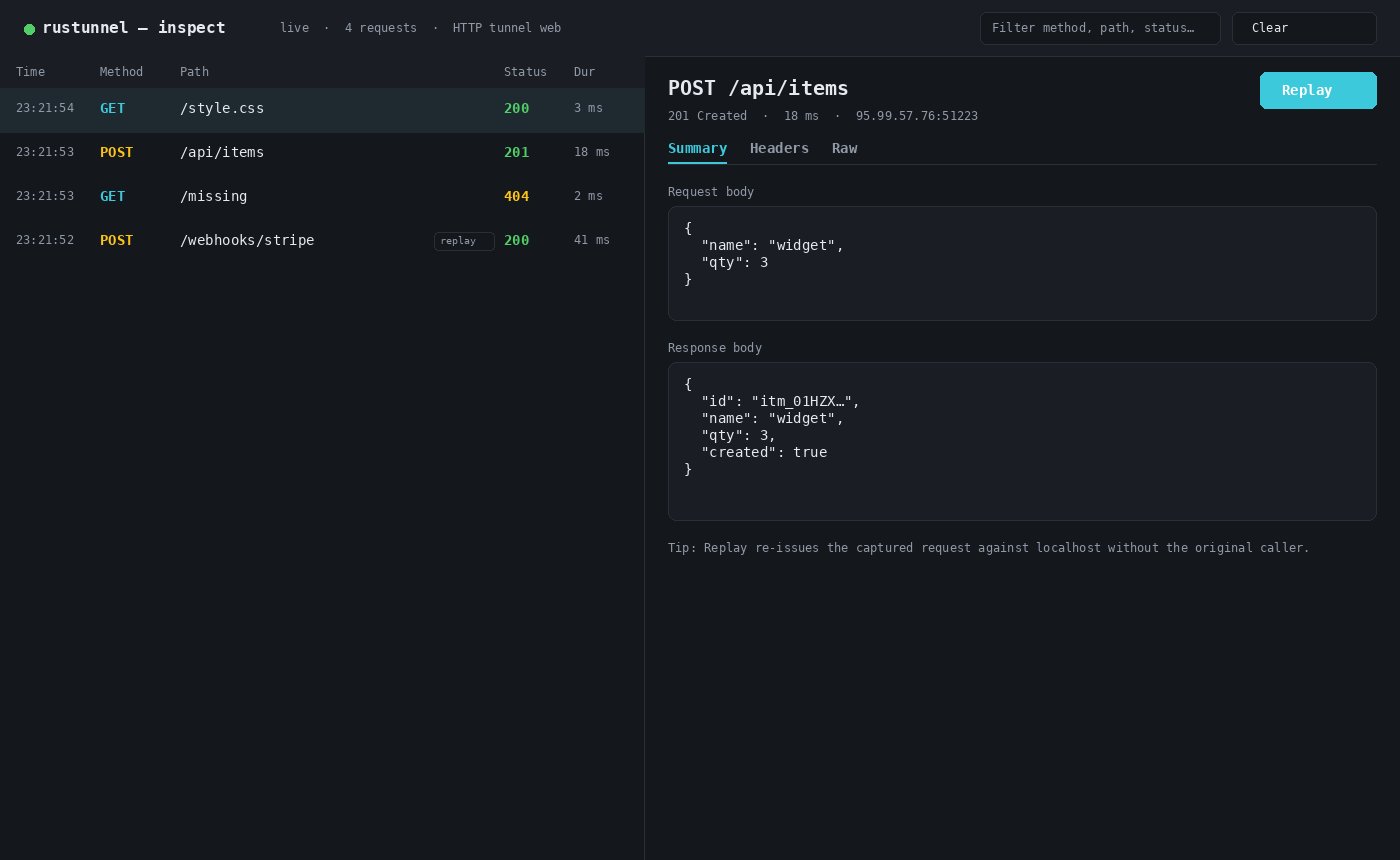
Request list view — filter and select any captured HTTP exchange
Scope and limits
- Captures HTTP tunnels only. TCP and UDP tunnels are raw byte streams; they contribute connection and traffic counters in the terminal UI but no request entries here.
- Keeps the last 500 requests in memory, per process. Nothing is written to disk and nothing survives a restart.
- Bodies are captured up to 64 KB each; larger ones are marked truncated (the reported size is still exact). A truncated request body cannot be replayed byte-for-byte.
- WebSocket and other upgraded connections are recorded as their handshake (
101); frames afterwards are not parsed.
Configuration
4040:
- Terminal UI header (
Inspect http://127.0.0.1:…) - Line under the startup box in line mode
inspector_readyNDJSON event in--jsonmode
Security
The inspector binds127.0.0.1 only and has no authentication. Treat it as local-only — captured payloads may contain credentials, tokens, and personal data. Use --no-inspect on shared or multi-user machines.
Related
Client Guide
Full CLI reference — terminal UI, flags, config, and reconnection.
Quickstart
Expose localhost in three steps.
Webhook testing use case
Marketing landing for local webhook testing workflows.
MCP Server
Drive tunnels from AI agents in plain language.